What Is Wi-Fi 7? Learn About the Latest Wi-Fi Standard
Next-gen wireless networks are here. When does it make sense to upgrade?
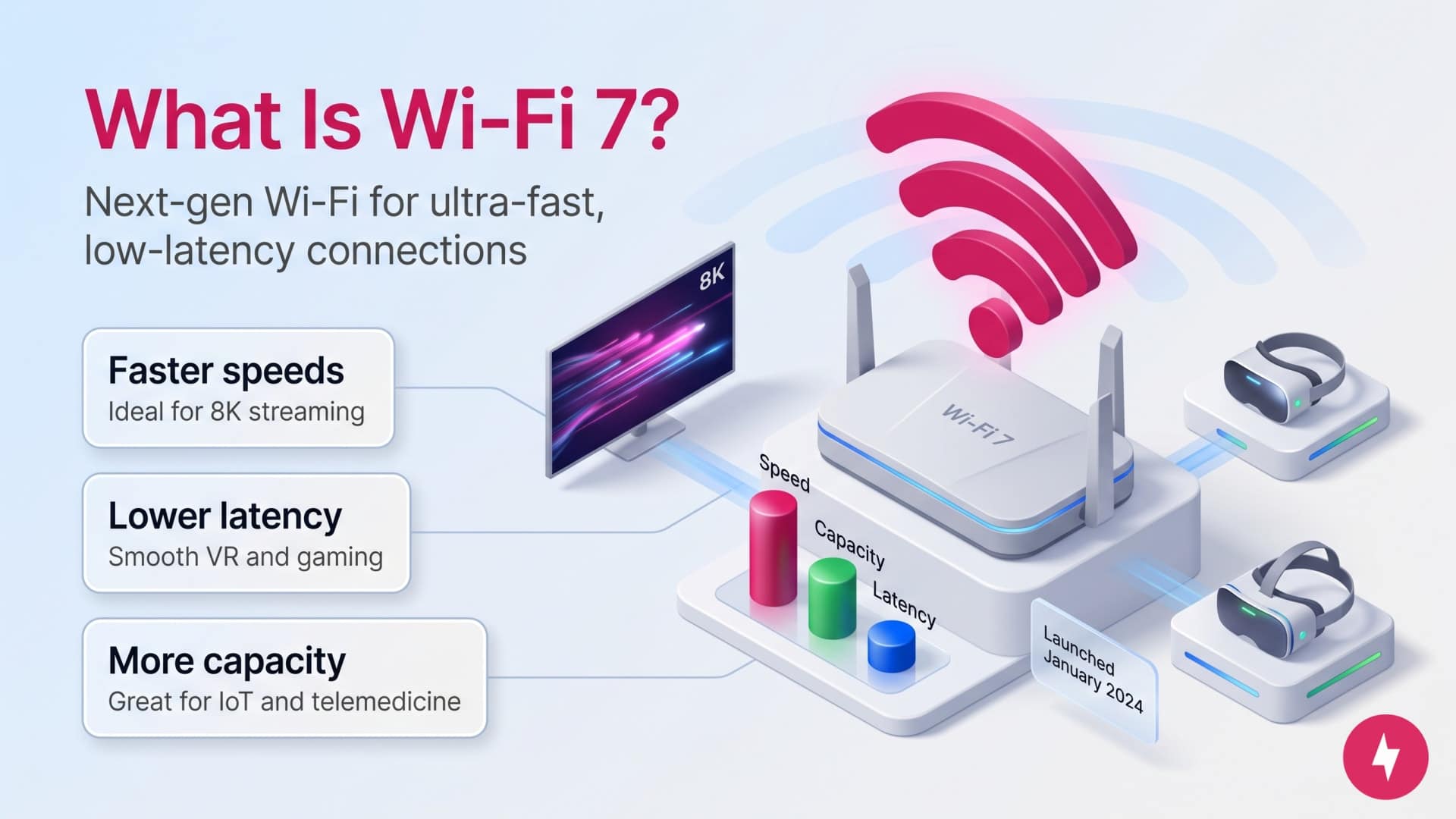
- Wi-Fi 7 offers unparalleled speeds (exceeding 40 Gbps), lower latency, and a greater capacity than Wi-Fi 6E.
- Wi-Fi 7 is useful for 8K streaming, virtual reality, IoT (Internet of Things), telemedicine, and smart transportation applications.
- Wi-Fi 7 technology hit the market in January 2024.
Wi-Fi 7, formally IEEE 802.11be, is the future of Wi-Fi technology, offering the most advanced features and capabilities to date. Building upon the foundation laid by its predecessors, Wi-Fi 7 revolutionizes wireless connectivity with unprecedented speed, reduced latency, and increased capacity. Let’s look at the new standard’s specifics, exploring its technological advancements and potential impact on various sectors.
Watch: What Is Wi-Fi 7?
Curious about Wi-Fi 7 and looking for a quick explanation? In this video, our team breaks down everything you need to know about the latest Wi-Fi standard.
Benefits of Wi-Fi 7
The new Wi-Fi 7 standard improves on previous standards in three key ways:
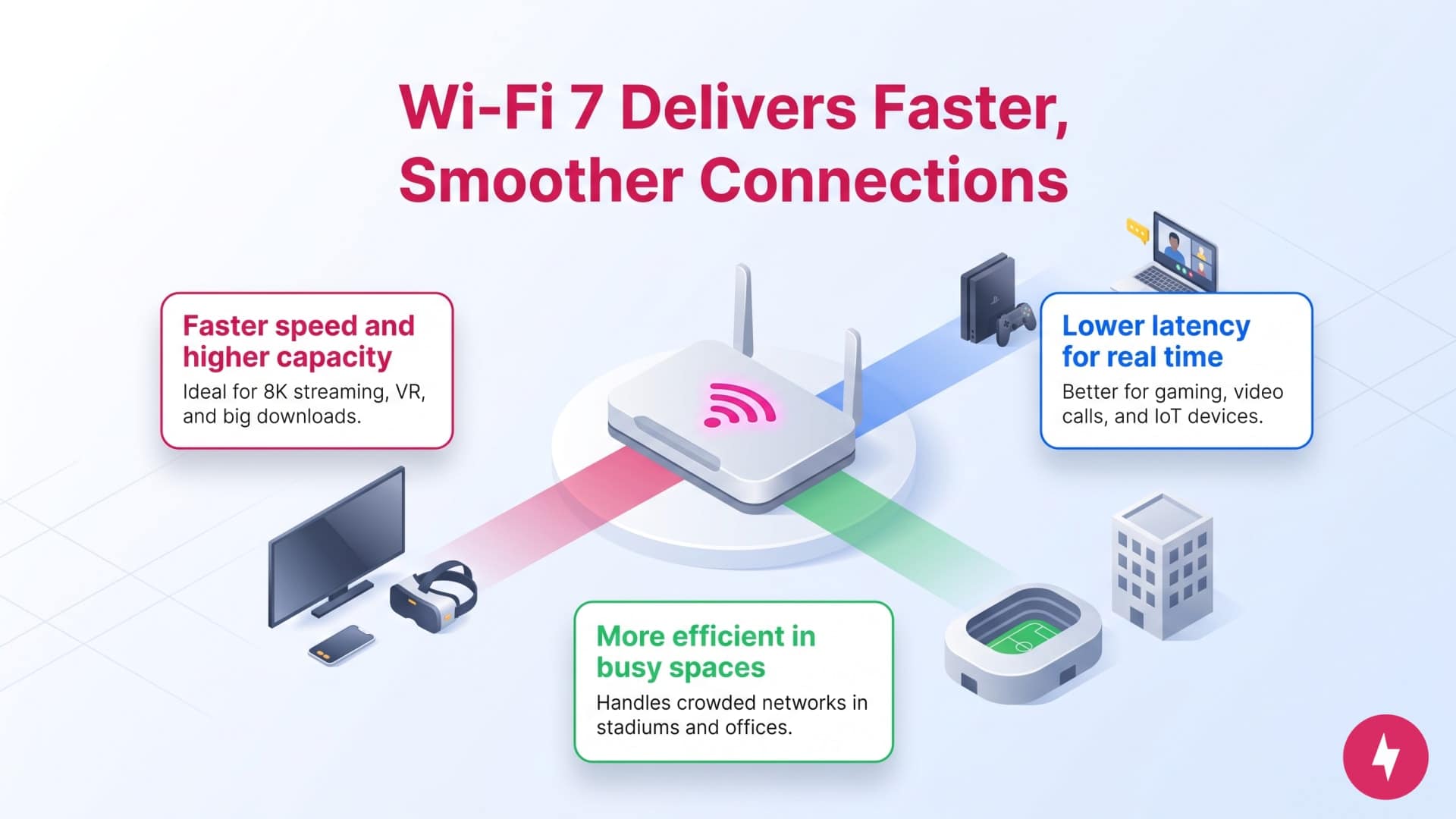
- Enhanced speed and capacity: These improvements make Wi-Fi 7 ideal for bandwidth-intensive applications like 8K video streaming, virtual reality experiences, and large-scale data transfers.
- Lower latency: Reduced latency is crucial for online gaming, real-time video conferencing, and the growing Internet of Things (IoT) ecosystem, providing seamless, interruption-free experiences.
- Improved efficiency: Wi-Fi 7’s efficiency is especially noticeable in high-density environments like stadiums, airports, and large office spaces, where network congestion is common.
Wi-Fi 7 vs. Wi-Fi 6E
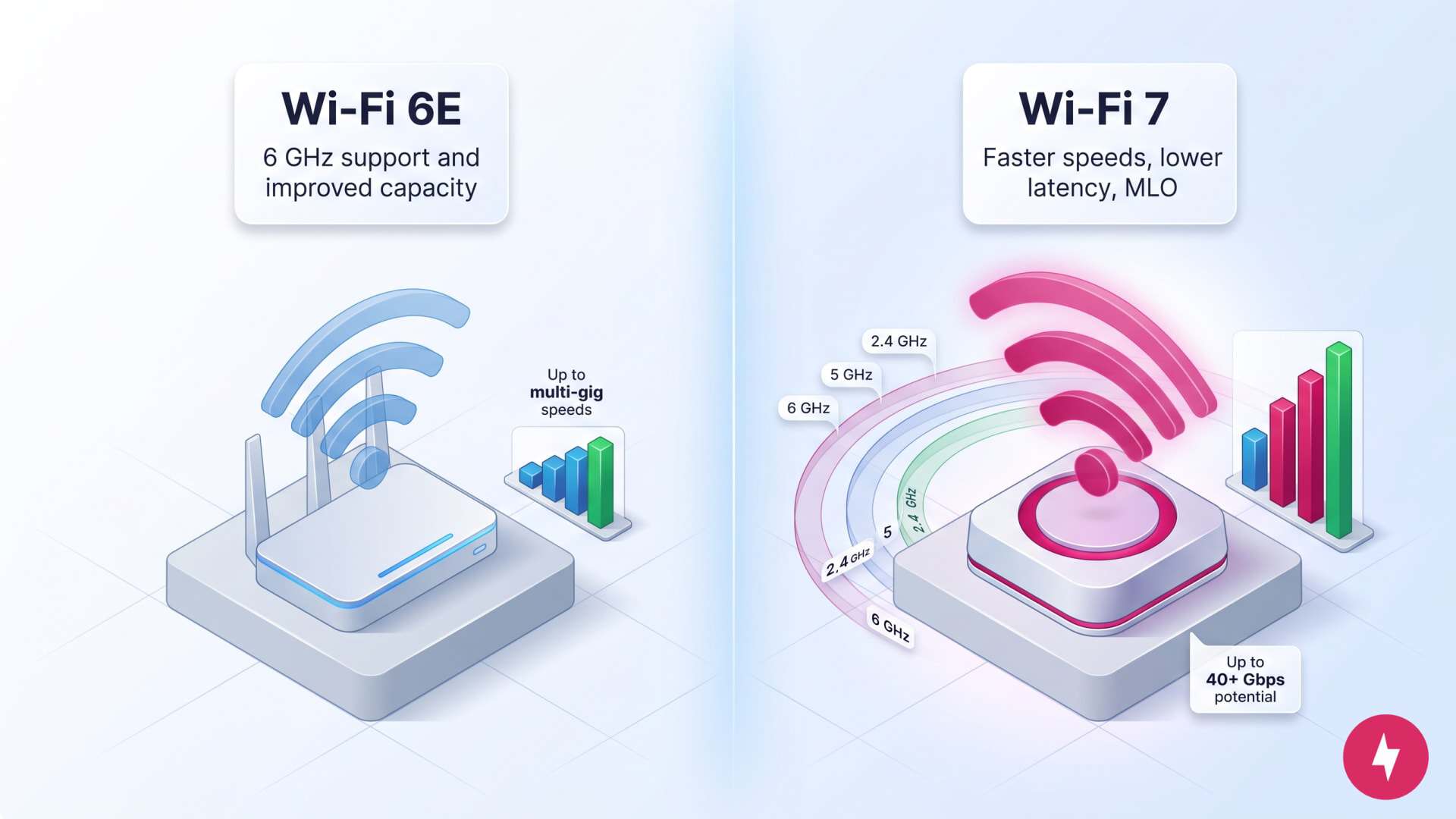
If you’re just beginning to upgrade to Wi-Fi 6E, you might wonder how that relatively new standard differs from the newest Wi-Fi 7 standard.
The short answer is that Wi-Fi 7 expands on Wi-Fi 6E by delivering speeds over 40 Gbps, lower latency, and the innovative Multi-Link Operation (MLO) feature, which allows simultaneous transmission across multiple frequency bands for better performance. With wider channel bandwidths up to 320 MHz and operation across 2.4 GHz, 5 GHz, and 6 GHz bands, Wi-Fi 7 will deliver a more efficient and powerful wireless experience, making it a potential game-changer for bandwidth-intensive applications like augmented reality (AR) and virtual reality (VR), automation, and AI.
Wi-Fi 6E vs. Wi-Fi 7: A Technical Comparison
| Feature | Wi-Fi 6E | Wi-Fi 7 |
|---|---|---|
| Official designation | IEEE 802.11ax (extension) | IEEE 802.11be |
| Frequency bands | 2.4 GHz, 5 GHz, 6 GHz | 2.4 GHz, 5 GHz, 6 GHz |
| Maximum speed | Up to 9.6 Gbps | Up to 46 Gbps |
| Channel width | Up to 160 MHz | Up to 320 MHz |
| Modulation | 1024-QAM | 4096-QAM |
| Latency | Lower than previous generations | Even lower than 6E |
Wi-Fi 7: Building on Past Standards
The progression of Wi-Fi technology has been marked by significant milestones, each denoted by a new standard: from Wi-Fi 4 (802.11n) offering increased speed and range to Wi-Fi 6 (802.11ax) further enhancing efficiency and capacity. These developments have consistently paved the way for more sophisticated and robust wireless networks, setting the stage for Wi-Fi 7 products.
Early Adopters: Want Wi-Fi 7 now? The IEEE (Institute of Electrical and Electronics Engineers) has been developing Wi-Fi 7 since 2019, and the standard is set for official release in May 2024. However, manufacturers are already producing Wi-Fi 7 products based on a preliminary version, planning firmware updates for those products when the standard’s final details are released.
Technical Specifications of Wi-Fi 7
Speed
Wi-Fi 7 reaches speeds exceeding 40 Gbps, a substantial leap from Wi-Fi 6’s maximum of 9.6 Gbps. Wi-Fi 7 achieves these enhanced speeds through more efficient data encoding and wider channel bandwidths.
Frequency Bands
Wi-Fi 7 operates across three frequency bands: 2.4 GHz, 5 GHz, and the newly introduced 6 GHz. This expansion allows for larger channel sizes of up to 320 MHz and more simultaneous data streams, drastically increasing network capacity and flexibility.
Multi-Link Operation (MLO)
A standout feature of Wi-Fi 7 is Multi-Link Operation (MLO), which lets devices transmit data over multiple frequency bands simultaneously. This functionality not only improves data throughput but also ensures more reliable connections by adapting to the best available band. This results in a more stable, consistent internet experience, which is especially beneficial for activities that require uninterrupted connectivity, like video conferencing and online gaming.
Modulation
With 4096-QAM (quadrature amplitude modulation), Wi-Fi 7 offers more complex and efficient data encoding, translating to higher throughput and better overall network performance. This advanced modulation technique not only improves network efficiency but also makes Wi-Fi 7 better suited for high-density Wi-Fi environments, ensuring smoother, more reliable connections even in crowded areas like airports and stadiums.
Wi-Fi 7 Router Buyer’s Guide
Upgrading to Wi-Fi 7 requires hardware that can take advantage of features like 320 MHz channel bandwidth, Multi-Link Operation (MLO), and 4K-QAM modulation. Whether you need a single standalone router for an apartment or a whole-home mesh system for multi-story coverage, current options span every budget and network size so you can find the best fit.
Here are some popular models to consider when upgrading your network to Wi-Fi 7.
| Router | Type | Bands | Speeds (up to) | Best for |
|---|---|---|---|---|
| TP-Link Archer BE550 | Standalone | Tri-band | 9.2 Gbps | Budget-conscious upgrades for apartments and mid-sized homes |
| Netgear Nighthawk RS700S | Standalone | Tri-band | 19 Gbps | Power users, multi-gig fiber connections, and heavy streaming |
| Eero Max 7 | Mesh system | Tri-band | 9.4 Gbps | Smart homes and non-technical users wanting hassle-free coverage |
| Netgear Orbi 770 | Mesh system | Tri-band | 11 Gbps | Large estates, sprawling layouts, and multi-gigabit wireless needs |
As you’re shopping for the best Wi-Fi 7 router, here are some key elements to look for:
- Check for the 6 GHz band: Some entry-level Wi-Fi 7 routers are only dual-band (2.4 GHz and 5 GHz). To get the full speed and anti-congestion benefits of Wi-Fi 7, make sure the router includes the 6 GHz band.
- Multi-gigabit wired ports: Wi-Fi 7 wireless speeds can easily outrun a standard 1 Gbps internet port. Look for routers equipped with at least 2.5 Gbps or 10 Gbps WAN/LAN ports if you plan to upgrade to multi-gig fiber.
- MLO capability: Multi-Link Operation is Wi-Fi 7’s headline feature. It lets supported client devices (like newer laptops and smartphones) talk over two bands simultaneously to reduce lag, which is especially critical for cloud gaming and real-time video conferencing.
How Wi-Fi 7 Will Change the World (and the World Wide Web)
Given its compelling benefits, the adoption of Wi-Fi 7 is accelerating rapidly. With a growing number of Wi-Fi 7-enabled devices expected to enter the market, both consumers and businesses are ready to embrace this new standard. The transition, however, will be gradual, as it depends on the broader ecosystem’s ability to adopt and integrate these advancements.
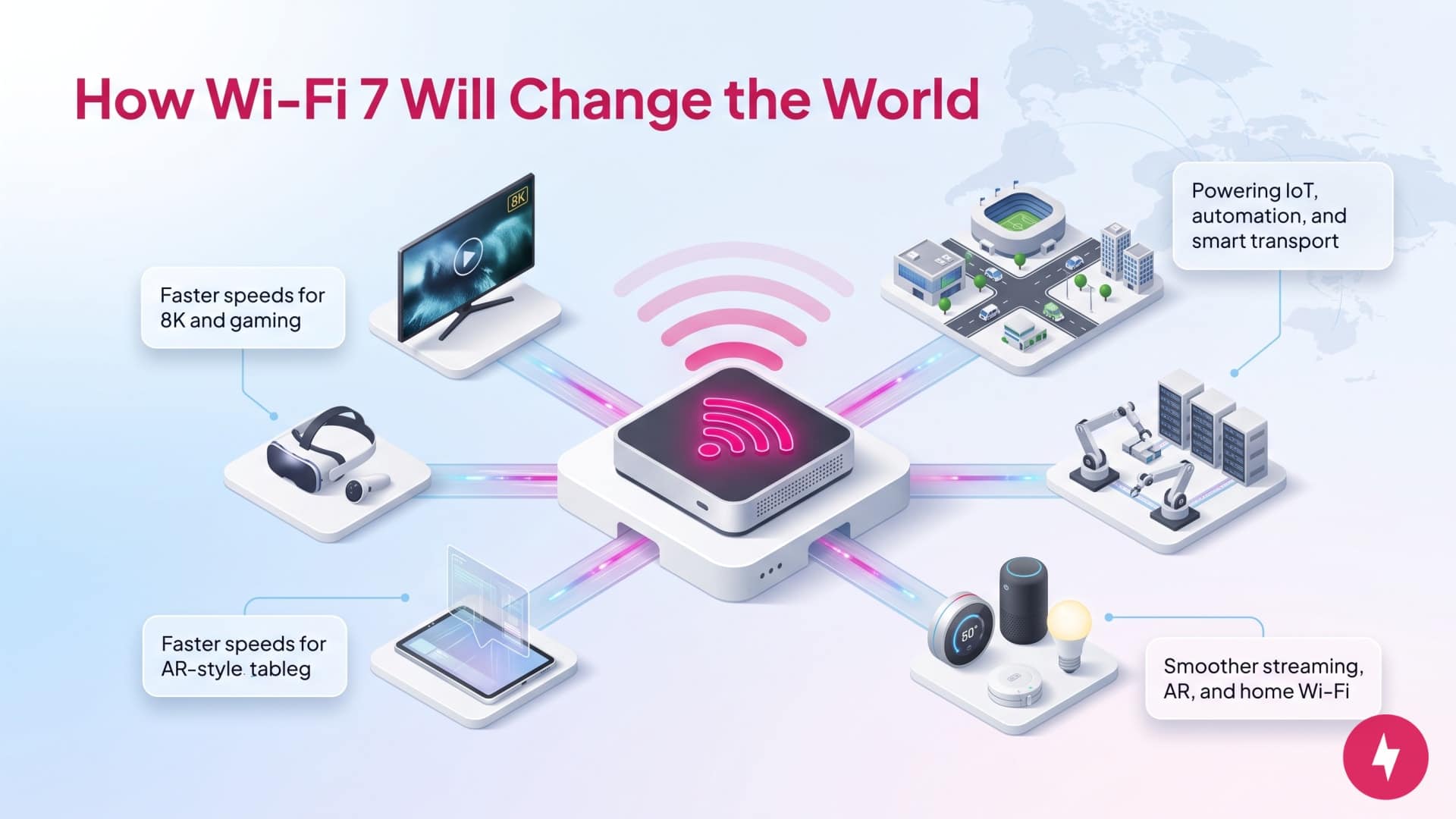
When it becomes widely adopted, Wi-Fi 7 will revolutionize web-based technologies. Its superior speed, lower latency and increased capacity will significantly enhance VR and AR experiences, enable seamless 8K video streaming, and improve cloud gaming.
The technology also supports the expanding IoT ecosystem, advances telemedicine, optimizes smart transportation, and facilitates large-scale event connectivity. With its continued adoption, Wi-Fi 7 will bolster industrial automation, enrich online education, and transform home entertainment systems, marking a new era in high-speed, reliable wireless communication.
Wi-Fi 7 stands at the forefront of a new era in wireless connectivity, offering unparalleled speed, efficiency, and reliability improvements. Its adoption is redefining the capabilities of wireless networks, catering to the ever-increasing demands of modern digital life and technology. As the standard matures and becomes more accessible, Wi-Fi 7 will undoubtedly become a pivotal component in the evolution of wireless communication.
Should You Upgrade to Wi-Fi 7?

While Wi-Fi 7 will eventually be the standard, switching to it now would make you a very early adopter. Here are some factors you should consider before you upgrade to Wi-Fi 7:
- Compatibility: While Wi-Fi 7 will be backward compatible with older devices, harnessing its full potential requires a supporting ecosystem of Wi-Fi 7-enabled devices and infrastructure.
- Cost: As with any emerging technology, the initial costs for Wi-Fi 7 devices and infrastructure upgrades are higher, posing a barrier to early adoption.
- Infrastructure: Existing networks will need significant upgrades to support Wi-Fi 7’s advanced features, requiring investment in new hardware and software solutions.
While Wi-Fi 7 is the most significant leap in wireless networking in years, you don’t necessarily need to rush out and buy a new router today. Use this quick framework to figure out if upgrading right now makes sense for your setup.
You should upgrade to Wi-Fi 7 now if:
- Your router is more than 4–5 years old: If you’re still running Wi-Fi 5 (802.11ac) or an early Wi-Fi 5 or 6 model, a modern router will yield instant improvements in speed, range, and multi-device handling.
- You have a multi-gigabit internet plan: If you pay for 1.5 Gbps, 2 Gbps, or 5 Gbps fiber, Wi-Fi 6 will bottleneck your speeds wirelessly. Wi-Fi 7’s wider 320 MHz channels and 10 Gbps ports let you actually get what you pay for wirelessly.
- You rely on ultra-low-latency activities: If you stream PC games, play competitive online multiplayer, or use cloud-based VR/AR, Wi-Fi 7’s Multi-Link Operation (MLO) significantly slashes ping times and packet loss.
- Your household has 30+ connected devices: Smart home gear, multiple 4K TVs, laptops, and phones competing for bandwidth cause serious network congestion on older routers. Wi-Fi 7 handles high-density environments far better without slowing down.
- You already own 2025 or 2026 flagship devices: If you have recent flagship smartphones, laptops (like Intel Core Ultra or Qualcomm Snapdragon platforms), or motherboards with built-in Wi-Fi 7 radios, you already have the hardware ready to unlock those top-tier speeds.
You should wait to upgrade if:
- Your current Wi-Fi 6 or 6E setup works fine: If your internet speeds are capped at 500 Mbps or 1 Gbps and you aren’t experiencing dead zones or buffering, stick with what you have.
- None of your personal devices support Wi-Fi 7 yet: Wi-Fi 7 is fully backward-compatible, but an older phone or laptop won’t magically run at Wi-Fi 7 speeds just because the router supports it. You can wait for your client hardware to catch up.
- You’re on a tight budget: Prices for feature-rich tri-band Wi-Fi 7 routers (especially those with the crucial 6 GHz band) are steadily coming down, but premium options still carry early-adopter pricing. Waiting a few months will yield better entry-level options.
- Your coverage issues are physical, not technological: If you have thick concrete walls or a 4,000 sq. ft. home, buying a standard Wi-Fi 7 single router won’t beat a properly wired or placed mesh system. Solve layout and placement issues first before throwing money at new wireless protocols.
Frequently Asked Questions About Wi-Fi 7
What is the difference between Wi-Fi 5 and Wi-Fi 7?
Wi-Fi 7 represents a significant leap in wireless technology compared to Wi-Fi 5. Wi-Fi 5, also known as 802.11ac, operates primarily on the 5 GHz frequency band and delivers speeds up to 3.5 Gbps under ideal conditions. Wi-Fi 7 (802.11be) supports three frequency bands (2.4 GHz, 5 GHz, and 6 GHz) and can achieve speeds exceeding 40 Gbps.
When should I upgrade to Wi-Fi 7?
Wi-Fi 7 represents a significant leap in wireless technology compared to Wi-Fi 5. Wi-Fi 5, also known as 802.11ac, operates primarily on the 5 GHz frequency band and delivers speeds up to 3.5 Gbps under ideal conditions. Wi-Fi 7 (802.11be) supports three frequency bands (2.4 GHz, 5 GHz, and 6 GHz) and can achieve speeds exceeding 40 Gbps.
Can Wi-Fi 7 go through walls?
Wi-Fi 7 can transmit signals through walls, but its effectiveness depends on the frequency band in use. Lower-frequency bands, like 2.4 GHz, have better wall-penetrating capabilities but offer slower speeds. Higher-frequency bands, such as 6 GHz, provide faster speeds but struggle more with physical obstructions.
Does the iPhone 16 have Wi-Fi 7?
Apple’s iPhone 16 devices do support Wi-Fi 7, but there are some limitations. While the devices can access Wi-Fi 7, you’re unlikely to see the full benefits unless you upgrade to a router that supports Wi-Fi 7. You would also need an upgraded internet plan to accommodate Wi-Fi 7. If the iPhone 16 is your only Wi-Fi 7-supported device, upgrading right now doesn’t make sense, but could in the future as your needs change.