
How to Get Wi-Fi Without an Internet Provider: 4 Options to Try
These alternate options are for light internet users to access Wi-Fi without an internet provider.

- Mobile and phone hotspots can provide Wi-Fi using cellular data but may have data limits and impact device battery life.
- Public Wi-Fi networks are widely available. However, this option has security risks, so it’s best to use a VPN.
- Alternative options are best for light internet usage rather than homes with high-bandwidth needs.
The internet is an invaluable resource that most of us need on a daily basis. If you don’t have an internet connection at home or you’re traveling to a place with no Wi-Fi or a poor connection, you might be wondering how to get Wi-Fi without an internet service provider (ISP). If that’s the case, we’ve got you covered. Here are four common ways you can get connected to Wi-Fi.

Our Video on How to Get Wi-Fi Without an Internet Provider
Need a video version of this article? Check out our video below and don’t forget to subscribe to our YouTube channel for more helpful guides.
Why You Might Need an ISP

While some households could get away without using an ISP, most households require a dedicated provider to meet their connectivity needs. If you work from home, stream high-definition content, or have multiple devices connected at once, an ISP offers reliable high-speed internet that alternative options might struggle to provide. While alternatives can be useful for short-term or light usage, an ISP is the best option if you need dependable, always-on internet.
Additionally, ISPs provide technical support, which is valuable if issues arise. But if you don’t use the internet a lot and want to save some money, or you don’t want to commit to long-term contracts, you can try alternatives.
1. Mobile Hotspots

Mobile hotspots allow you to connect to the internet using cellular data from a wireless carrier. These devices create a portable Wi-Fi network by converting a 5G signal into a Wi-Fi connection that devices like laptops or tablets can join. Mobile hotspots are stand-alone devices and often include features like extended battery life, support for multiple connections, and better range compared to phone hotspots.
Mobile hotspots are ideal if you’re on the go or in areas where traditional broadband isn’t available. They’re often used for remote work, traveling, or providing connectivity during emergencies. But if you need it for home internet, you could use it for that as well. However, mobile hotspot data plans from top providers such as Verizon, AT&T, and T-Mobile can be limited, and excessive usage may result in throttling or additional charges, depending on the provider.
A few things to keep in mind when using a mobile hotspot:
- You’re powering your Wi-Fi connection with your mobile data. This means that if you have expensive or limited data, you can quickly burn through it while connected to your hotspot. Cheap or unlimited data makes the mobile hotspot a great Wi-Fi option.
- Set up a password for your mobile hotspot to increase security. If you don’t, you can expose yourself to malicious users who can eat up your cellular data.
2. Phone Hotspots
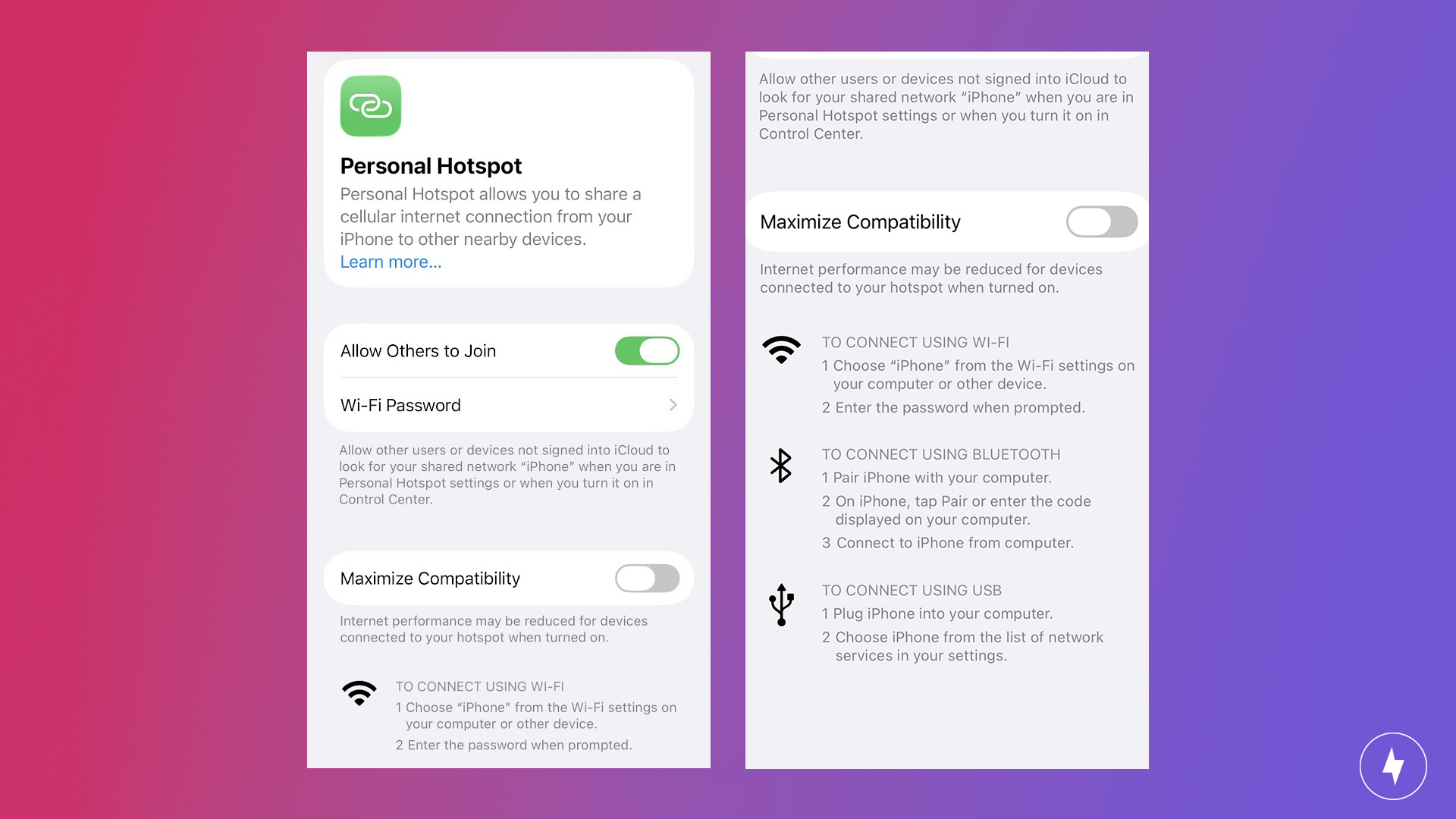
Phone hotspots, also known as tethering, let you use your smartphone as a Wi-Fi source by sharing its mobile data connection. To enable a hotspot, you activate the feature in your phone’s settings, creating a Wi-Fi network that other devices can connect to. This is a convenient option for temporary or low-bandwidth internet needs.
While phone hotspots are practical and easy to set up, they come with limitations. Extended use can quickly drain your phone’s battery, and depending on your data plan, you may face usage caps or reduced internet speeds. They’re best suited for light browsing or small-scale work tasks rather than heavy streaming or large downloads.
3. Public Wi-Fi Networks
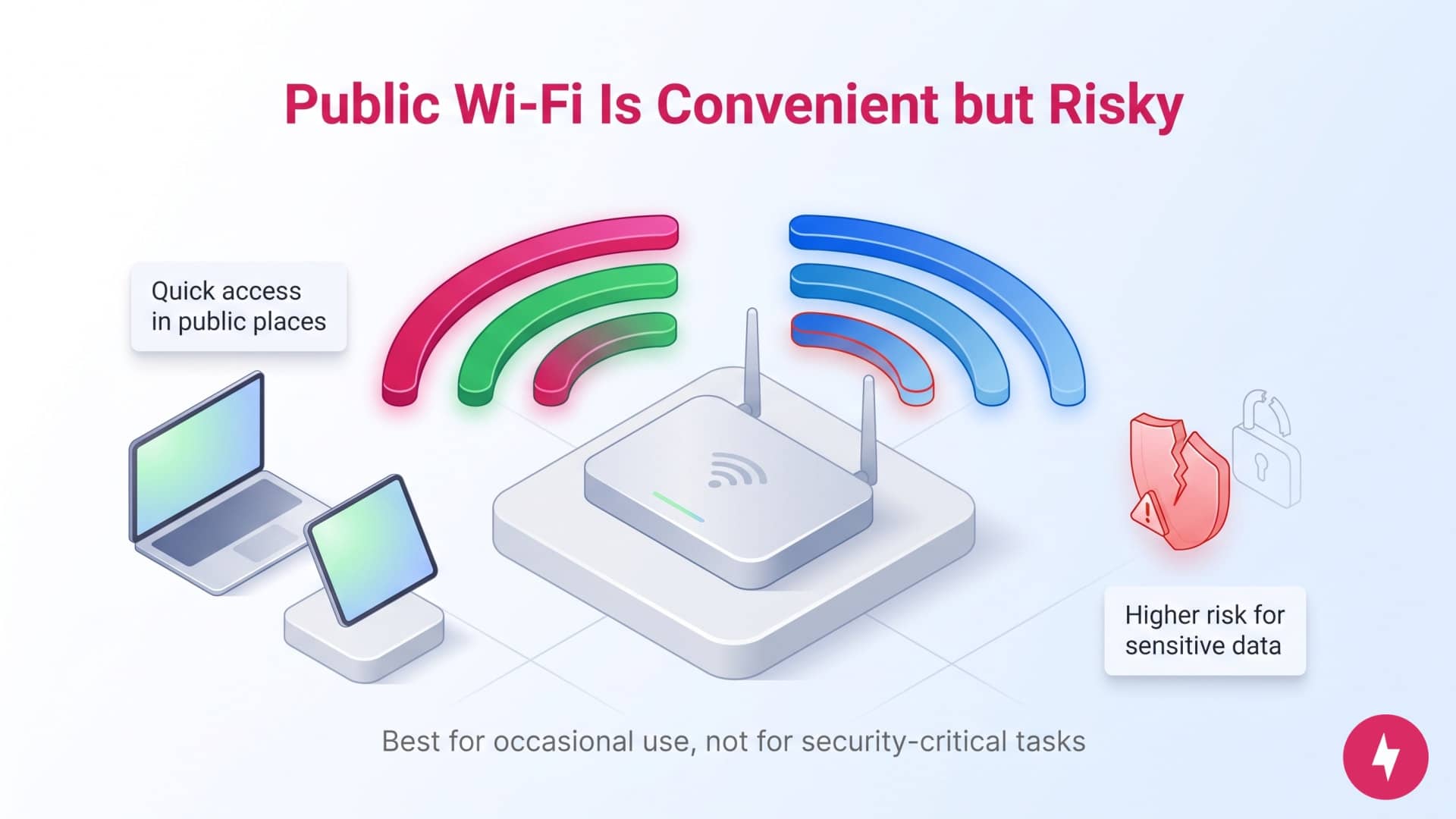
Public Wi-Fi networks are provided in cafes, libraries, airports, and hotels. They’re free or low-cost and allow you to connect your devices without an ISP. Public Wi-Fi is a convenient option for internet access if you don’t need a constant connection at home.
Using public Wi-Fi may be more feasible if you live in a city or other moderately populated area. If you live in a more rural area, public Wi-Fi options would be more limited. If you aren’t sure if you live within reach of a public Wi-Fi signal, just open up your device’s Wi-Fi settings and take a look at what networks are in range. If any of them are unsecured, they will not prompt you for a password when you attempt to connect to them.
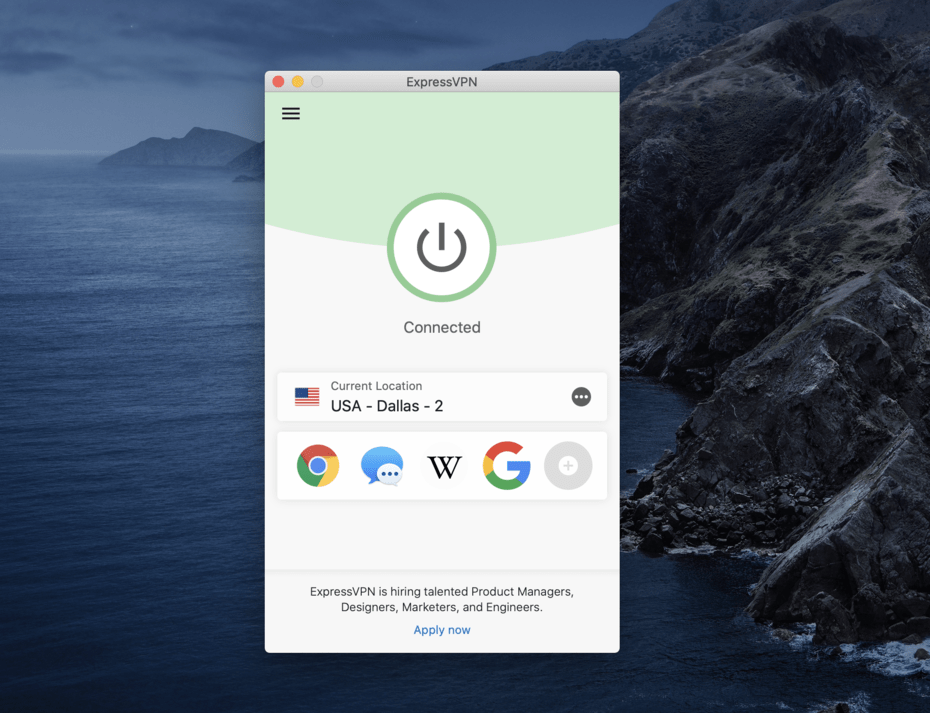
It’s worth noting that there are risks associated with using public Wi-Fi. These unsecured networks are vulnerable to hacking and data breaches. You should take precautions, such as avoiding sensitive transactions, using a VPN for encryption and disabling automatic network connections. While useful in a pinch, public Wi-Fi is not recommended for regular or secure internet use.
4. Wi-Fi USB Dongle
A Wi-Fi USB dongle is a compact device that plugs into your computer’s USB port to provide internet access via a cellular network. These devices work similarly to mobile hotspots but are specifically designed for single-device use. They’re easy to carry and often include their own SIM card, allowing you to purchase a data plan from a mobile provider.
Wi-Fi USB dongles are an excellent choice if you need a reliable internet connection without the hassle of setting up a network. They’re commonly used by students, business travelers or remote workers. However, like mobile hotspots, they depend on cellular coverage and may have limited data plans or slower speeds in certain areas.
Comparison of No-Provider Wi-Fi Options
| Feature | Mobile hotspot | Phone hotspot | Public Wi-Fi | USB dongle |
|---|---|---|---|---|
| Best for | Travelers and groups | Quick taste and emergencies | Casual browsing | Single laptop users |
| Setup effort | Minimal (device purchase required) | Instant (via settings) | Varies (sign-in pages) | Easy (plug and play) |
| Battery impact | None (has its own battery) | High (drains phone fast) | None | Moderate (drains laptop battery) |
| Device limit | 10–20 | 1–5 | Unlimited | 1 |
| Security | High (Encrypted) | High (Encrypted) | Low (Unencrypted) | High (Encrypted) |
| Typical cost | Monthly data plans vary | Included in phone plan (but your data may be limited) | Free | Pay as you go or plan-based |
Wi-Fi Alternatives Cost Comparison
Here is a side-by-side cost breakdown covering monthly recurring expenses and any upfront hardware costs.
| Option | Monthly cost | Hardware cost | Cost considerations |
|---|---|---|---|
| Mobile hotspot | $20–$90 | $50–$300 | High performance and supports many devices, but requires a separate hardware investment and data plan. |
| Phone hotspot | $0 – $30+ (add-on to phone bill) | $0 (assuming you have a smartphone) | Some plans may require an upgrade to hotspot data, while others don’t |
| Public Wi-Fi | $0 | $0 | Free, but requires travel, offers variable speeds, and carries security risks without a VPN. |
| Wi-Fi USB dongle | $15–$60 | $15–$100 | Low hardware cost, but tied directly to a single USB port and typically limited to one device. |
How to Choose Your Best Alternative Wi-Fi Plan

So, how do you choose the right Wi-Fi method? While speed is a big concern, you also need to consider portability, security, and data limits. To find your match, consider the following:
- Assess your data needs.
- Low (email/browsing): Public Wi-Fi or Phone Hotspots are usually sufficient.
- High (streaming/gaming): Look into dedicated Mobile Hotspots or USB Dongles with robust data plans.
- Evaluate your location.
- Static (home/office): USB Dongles provide a more stable, semi-permanent connection for a laptop.
- On-the-go: Phone hotspots are convenient, but a dedicated Mobile Hotspot is better if you’re traveling long distances or with multiple people.
- Check your security comfort.
- High risk: Public Wi-Fi is often unencrypted. Avoid this for banking or sensitive work unless using a VPN.
- Low risk: Personal hotspots (Mobile/Phone/USB) provide private, password-protected connections.
Wi-Fi Option Decision Guide
Once you’ve identified your needs, use this simple guide to decide which Wi-Fi option best suits your needs.
- Do you need a completely free option?
- Choose: Public Wi-Fi
- Ideal for: Occasional browsing, checking emails, or working away from home without spending a dime.
- Keep in mind: Requires travel to local libraries, coffee shops, or public venues, and requires a VPN to stay secure on open networks.
- Do you only need internet occasionally or for a single device?
- Choose: Phone hotspot
- Ideal for: Laptops, tablets, or working on the go using data from your existing cellular plan.
- Keep in mind: Drains your smartphone battery quickly and uses up high-speed mobile tethering allowances.
- Do you need high-speed internet for multiple devices or work?
- Choose: Mobile hotspot
- Ideal for: Remote workers, RV travel, or households needing a standalone device that supports 10+ connections without draining your phone.
- Keep in mind: Requires buying a standalone hotspot device plus a dedicated monthly cellular data plan.
- Do you need a direct connection on a laptop/desktop?
- Choose: Wi-Fi USB dongle
- Ideal for: Laptops or PCs needing a direct plug-and-play cellular connection or receiving extended Wi-Fi signals.
- Keep in mind: Only connects the host device directly unless software-configured to share a network.
Frequently Asked Questions About Getting Wi-Fi Without an Internet Provider
What is the cheapest way to get Wi-Fi in my home?
The cheapest way to get Wi-Fi at home is by using a phone hotspot with an unlimited data plan. Many mobile carriers offer budget-friendly options that allow you to use your smartphone as a Wi-Fi source. Alternatively, public Wi-Fi is a free solution but does come with limitations and security risks.
Which app provides free internet?
Apps like Instabridge and WiFi Map provide access to free internet by sharing passwords for public and private Wi-Fi hotspots. These apps rely on user-generated databases to locate available networks worldwide. While they can help you find free internet access, ensure you’re only connecting to trustworthy networks and use a VPN to protect your data while browsing.
Can you get Wi-Fi with just a router?
A router alone can’t provide Wi-Fi without an internet source. Although a router distributes an internet connection wirelessly to your devices, you still need an ISP, mobile hotspot, or another internet source to supply the connection. ISPs deliver their signal to internet modems that work in conjunction with the router to provide a stable connection. Without an incoming internet signal, a router can only create a local network for file sharing or device communication.
How can I get internet without a cable or phone line?
You can get internet without cable or a phone line by using mobile hotspots, satellite internet, or fixed wireless internet. Mobile hotspots leverage cellular data, while satellite and fixed wireless options connect you via satellite dishes or radio towers. These alternatives are especially useful in rural areas or if you want to avoid traditional wired connections.
Can I get Wi-Fi without signing a contract?
Yes, there are ways to get Wi-Fi without signing a contract. Your options include prepaid internet plans, mobile hotspots, or internet service providers that offer no-contract or month-to-month plans. This flexibility allows you to avoid long-term commitments, try different providers, or only pay for service when needed, making it ideal for renters or travelers. It’s also a good idea if you just want to test the quality of available ISPs in your area.