Should I Rent or Buy a Modem and Router? Costs, Benefits, and Key Differences
Buying your own hardware makes sense only if your provider charges a monthly rental fee.

- Modems connect you to your internet service provider (ISP), while routers connect your devices to your Wi-Fi network.
- Renting a modem and router is convenient and includes free tech support, but some ISPs charge substantial monthly fees that can outweigh the overall cost of buying these devices.
- Whether you choose to rent or buy a router depends on your budget, comfort with technical troubleshooting, and what your current internet provider offers.
When setting up your home network, you must decide whether to buy or rent a modem and router. The amount you spend in a year to rent a modem or router may equal (or exceed) the cost of buying one. Depending on the circumstances, renting a modem and router may be the better choice. This guide will explore these options so you can make an informed decision.
Our Video on Renting or Buying Your Modem and Router
Don’t have time to read the rest of the article? No problem! Give our video a watch and be sure to subscribe to our YouTube channel for more tips on how to save money on internet equipment:
Renting vs. Buying a Modem and Router
Renting a modem and router can cost around $10 to $15 per month, while buying a modem costs an average of $127. However, many providers will provide this equipment free of charge. If you can get yours for free, you can avoid buying things outright.
If you want more control over your home network like me (for example, with a mesh Wi-Fi network), renting a modem might still make sense. That’s because modem requirements can vary from provider to provider, while routers are more or less universal.
What’s the Difference Between a Modem and a Wi-Fi Router?
To connect to the internet, you need a modem and a Wi-Fi router. Many people confuse modems and routers because ISPs often offer combo devices that do both. However, modems and routers are two completely different technologies. Each device has a specific purpose, as explained below.
Modem
A modem connects your Wi-Fi network to your ISP. It translates your ISP’s digital signals so your wired or wireless devices can access the internet. A modem uses an Ethernet connection to connect to your router (if it isn’t a combo device). Typically, a modem has two connection ports: one for your ISP and one for your Wi-Fi router. There are three types of modems:
- Digital subscriber line (DSL): This connects a router to an existing telephone line through a phone jack.
- Cable: A cable modem provides high-speed internet using a coaxial cable that receives data from an ISP.
- Fiber-optic or optical network terminal (ONT): The most advanced type of modem, it uses a fiber-optic cable to transmit signals.
Wi-Fi Router
A router connects your devices to a modem with an Ethernet cable. It creates a Wi-Fi network that lets multiple devices connect wirelessly and access the internet at the same time. A range of Wi-Fi frequencies (wireless bands) transmit data from your router to your devices. There are three types of routers, depending on the wireless band:
- Single-band: Uses either the 2.4 GHz band or the 5 GHz band
- Dual-band: Uses both the 2.4 GHz band and the 5 GHz band
- Tri-band: Uses the 2.4 GHz band and two separate 5 GHz bands (or a 6 GHz band)
If you want to increase your Wi-Fi network speed, then we recommend using a dual-band or tri-band router.
The key difference between a modem and a router is that a modem can provide internet access only via an Ethernet cable, while a router can’t send or receive data without a modem. You can have a modem without a router, but not vice versa. That said, using a router with a modem can improve your internet experience by providing benefits such as better security, IoT support, and stronger Wi-Fi coverage.
>> Related Reading: The Best Wi-Fi Routers, Tested and Reviewed
Gateway vs. Modem and Router
Some ISPs offer a modem-and-router combo, also known as a gateway, which simplifies the renting or buying process and saves you space with one piece of equipment instead of two. Its convenience allows you to set it up and activate it without dealing with too many pesky cables. If you don’t mind the limited customization options on a gateway, this is a serviceable alternative to buying both a modem and router.
| Gateway | Modem and Router |
|---|---|
Pros:
Cons:
|
Pros:
Cons:
|
Pros and Cons of Renting a Modem and Router

You typically don’t need to put a lot of thought into which modem and router to rent. Your ISP will generally recommend one based on the service you signed up for. Renting saves you time because your ISP takes care of everything for you, but there are other pros and cons.
Pros
- Low-maintenance costs and free technical support
- Ideal for short-term living situations
- Regular software updates included in the rental cost
- Free replacements for malfunctioning devices
Cons
- Monthly rental fees add up over time
- Can’t sell or use with another ISP
- Costs are subject to change
- Might receive outdated hardware
Pros and Cons of Buying a Modem and Router

Unlike renting, buying a modem and router requires paying careful attention to each device’s features to get the most out of your investment. Buying a modem can save you a lot of money over time, but there are some drawbacks you should consider.
Pros
- Easier to switch ISPs when you own a compatible modem and router
- More high-performance modem and router options
- A one-time investment
Cons
- Higher upfront cost than renting
- No tech support from ISP
- May need a tech professional, which may result in installation fees
- No guarantee your hardware will be compatible with a new provider
Buying a Modem
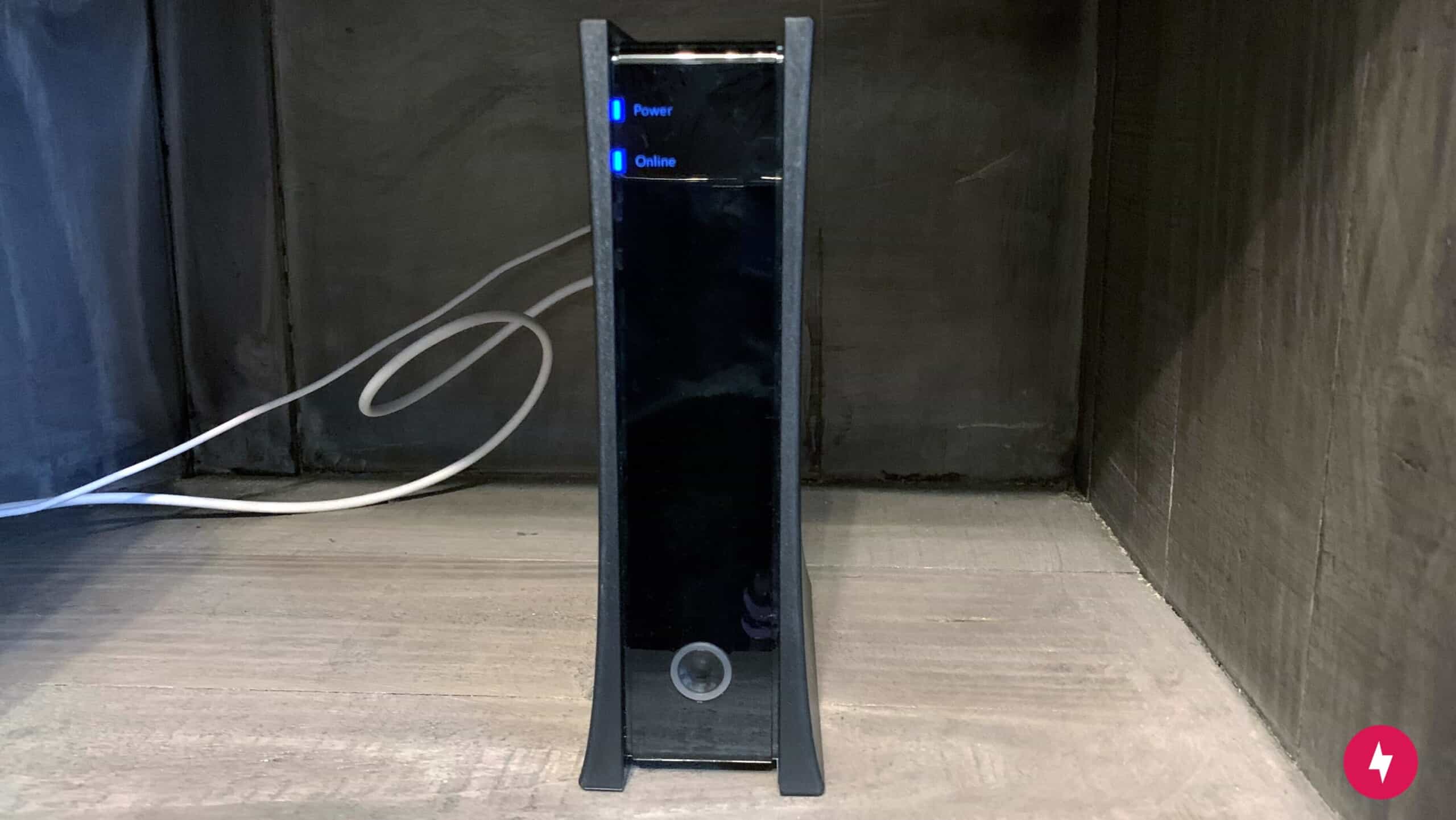
The up-front cost of purchasing a modem or router can be higher than renting one, but you will save money over time by owning your equipment.
Modem prices depend on the brand and type. You’ll pay more upfront to buy a modem, but you’ll likely save money in the long run. You can use your modem with any ISP as long as it’s approved and compatible with the company’s service, and then resell it when you no longer need it.
Consider the following factors before buying your own modem.
Internet Connection Type
Your internet connection type determines the modem you need. If you have a cable internet connection, for example, then you’ll need a compatible modem. Always check the specifications and upgradeability. If an ISP doesn’t list modems compatible with its service, call customer service.
Another modem feature to watch for is the Data Over Cable Service Interface Specification (DOCSIS). It’s a set of standards that allows high-speed data transfer over coaxial cables. DOCSIS specifications come in ratings, such as DOCSIS 1.0 and DOCSIS 2.0. The current rating is DOCSIS 3.1, which can support up to 10 Gbps. It’s a good investment if you want faster internet speeds and better performance.
Speed and Bandwidth
Your modem’s speed and bandwidth should match your internet usage. The speed is measured in megabits per second (Mbps); the higher the Mbps, the faster your internet connection will be. If you want the fastest speeds possible, then take a look at the best gigabit internet providers.
Bandwidth is the maximum amount of data that can be transferred in a given time. It’s usually measured in Mbps. For example, if you have a 200 Mbps internet connection with a bandwidth of 100 Mbps, you can download data at a rate of 200 megabits per second. However, the maximum amount of data you can transfer in a given time is 100 megabits.
Before choosing a modem, consider how many devices you’ll connect to the internet and what you’ll do with them.
Buying a Router
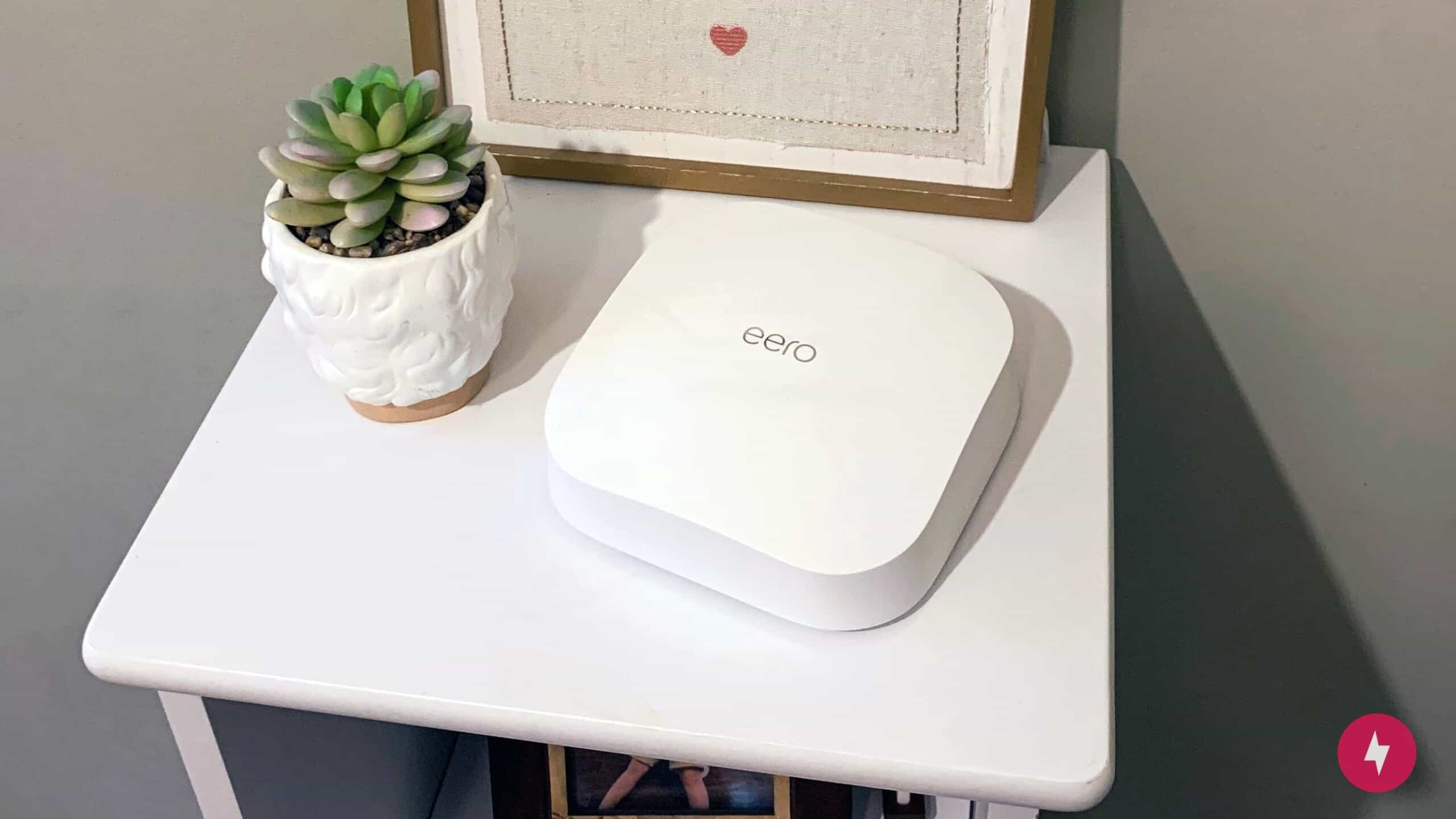
Like modems, the technical aspects of routers can be confusing. As long as you have some basic understanding, you’re set. Your goal is to buy a router that can handle the same speeds as your modem. Here are some factors to consider before making a purchase:
Network Type
Routers generate Wi-Fi networks and use the latest Wi-Fi standard. You should know and care about two types of networks:
- 802.11ac is the latest and fastest network type. It’s also backward-compatible with 802.11n devices. If you have a lot of devices that connect to the internet wirelessly, then this is the best option. It’s also a more secure Wi-Fi network.
- 802.11n is an older standard with speeds up to 600 Mbps. It’s not as fast as 802.11ac, which offers up to 1 Gbps throughput, but it has a longer range.
Beamforming
Beamforming directs wireless signals to where they’re needed most. It’s especially beneficial if you have devices far from the router or in difficult-to-reach places. Beamforming also compensates for the reduced broadcast area of Wi-Fi over the 5 GHz band supported by 802.11ac and 802.11n routers.
Dual-Band
A dual-band router lets you use the older, slower 802.11n network or the newer, faster 802.11ac network. It splits your devices into two bands, 2.4 GHz and 5 GHz, to increase available bandwidth and boost speeds. By using the 2.4 GHz band for older 802.11n devices and the 5 GHz band for newer 802.11ac devices, you reduce the chance of common issues when devices share the 2.4 GHz band with 802.11ac devices.
Dual-band network routers are more expensive than single-band routers, but they’re worth the investment if you have multiple devices that connect to the internet wirelessly at the same time.
Watch: What Do the Numbers in Router Names Mean?
Confused about what the numbers and letters on routers mean? We give you a quick rundown so you know what Wi-Fi standard you’re getting when you purchase a router.
Modem and Router Provider Costs and Fees
The upfront cost of purchasing a modem or router can be higher than renting one, but you will save money over time by owning your equipment. Affordable modems and routers start at around $60 each ($120 total), while a budget modem-router gateway combo can be had for as little as $80. Mid-range modems and routers will set you back about $100-150 each versus about $200 for a single gateway device. At the high end, modems and routers can cost more than $300 apiece; the most expensive combos cap out at around $600.
In other words, gateways are the more affordable option at every performance tier. Just remember that buying the equipment requires some level of research, including compatibility with your ISP, in order for the savings to be worthwhile.
Renting vs. Buying: What Is the Right Choice for Me?
Consider your budget, whether you prefer short- or long-term investments, and if your ISP offers a modem-and-router combo so you don’t have to pay two separate equipment fees. Ask yourself the following questions: Am I planning to move soon? Do I need the latest technology? How much am I willing to spend upfront? Depending on your answers, one option may be better than the others.
Frequently Asked Questions About Modem vs. Router
How long should a modem last?
Modems generally last three to five years. High-end modems typically last for at least five years, while lower-end modems last for two to three years.
Why do I need both a modem and a router?
If a modem-and-router combo isn’t an option, then you need both pieces of equipment. The modem connects you to the internet while the router delivers the internet to your devices wirelessly by creating a Wi-Fi network.
Do modems affect internet speed?
Yes, modems can affect internet speed. If you have an old or slow modem, it can slow your connection.
Can a router work without a modem?
Yes, a router can work without a modem, but it can’t connect to the internet without one.
Is it cheaper to buy a modem and router separately?
It isn’t cheaper to buy a modem and router separately since you will have to cover each device’s repair and replacement costs.
Is a gateway better than a modem and router combo?
Whether a gateway is better than a modem-and-router combo depends on several factors. Generally, if you prefer a simple installation process and are willing to spend a bit more, then the gateway might work for you. Otherwise, if you prefer to customize your internet equipment and invest some time learning to install and manage equipment updates, then you may want to consider the modem and router combo.